How to connect Claude and publish your first post by asking
Connect uplika to Claude once as a custom connector, and from then on you just ask. The steps, the prompt to paste, and how Claude drafts and schedules a post, on real screens.
What do you have when you're done?
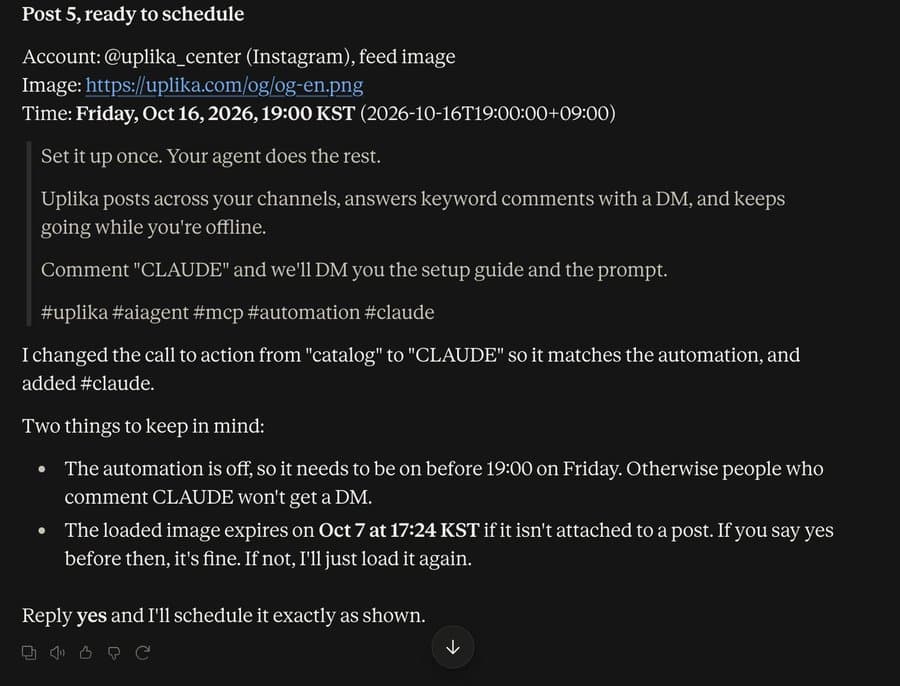
Claude reads your Instagram account's recent posts and their numbers, lays out the next post's caption and time, and waits for your answer. It schedules only after you say yes, and uplika's server sends the post at that time.
What do you need?
A Claude account. Custom connectors work on Free, Pro, Max, Team and Enterprise, and the Free plan allows one custom connector.
An Instagram professional account (Business or Creator). You can switch for free in the Instagram app's settings.
An uplika account, which you can create with Google, GitHub or email while connecting.
Add the connector from a browser on a computer. After that, ask Claude from anywhere.
Add a custom connector in Claude
In Claude, open Customize and go to Connectors. Click Add and choose Add custom connector.
Enter Uplika as the name and https://api.uplika.com/mcp as the address, then click Continue. There is no key to copy and no password to paste.
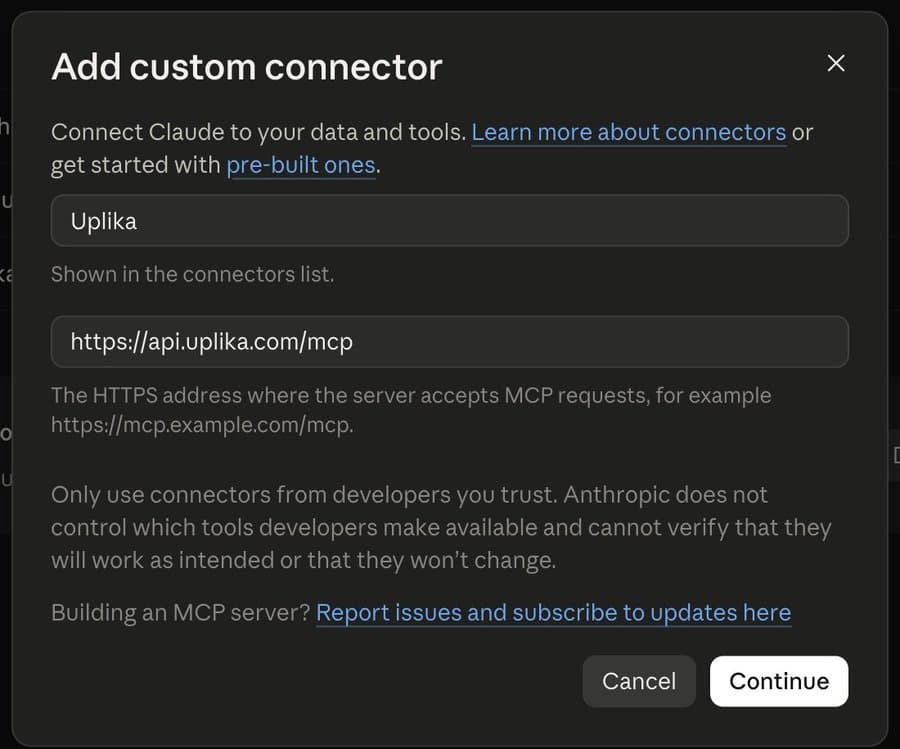
Click Connect to go to uplika
Uplika appears in your connectors, not connected yet. Click Connect and the same tab moves to uplika.
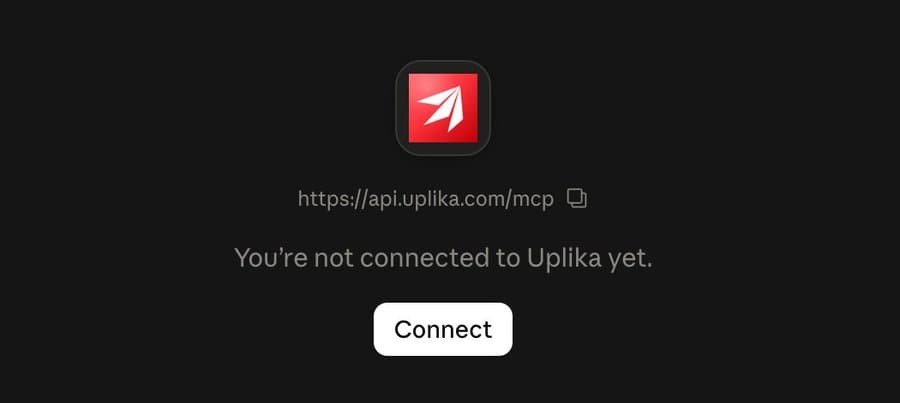
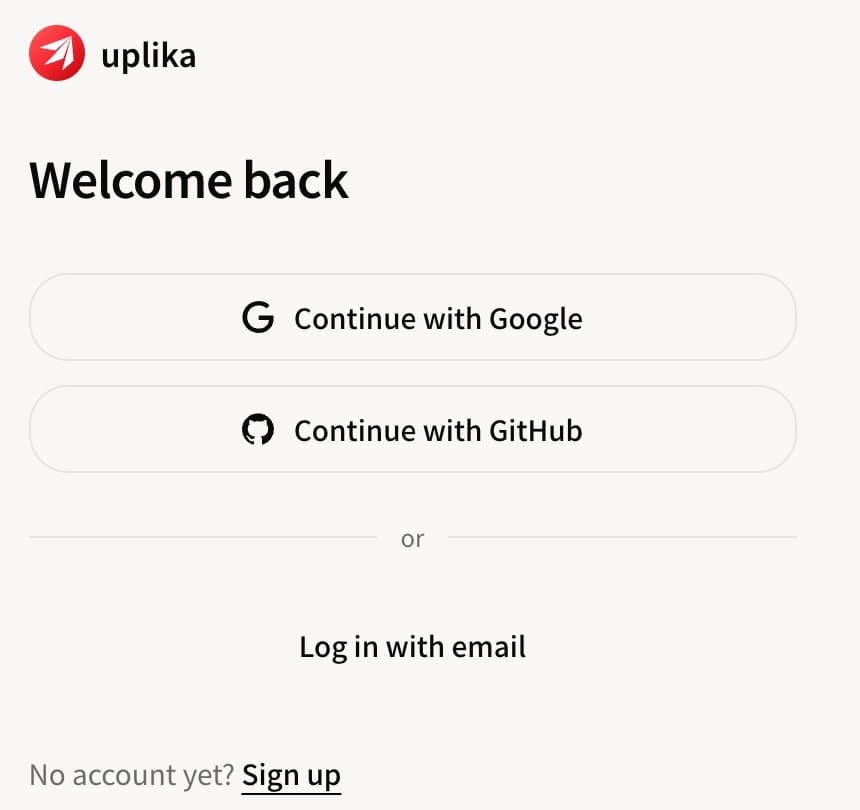
Sign in to uplika
Sign in with Google, GitHub or email, or sign up here. If you sign up with email, open the confirmation link in that email first.
Connect Instagram and allow access
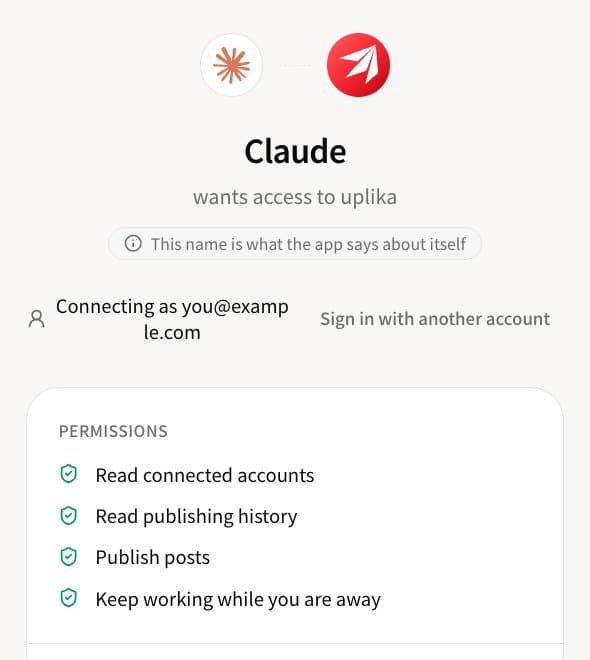
The top of the approval screen lists what Claude will be able to do. Under New connection, pick Instagram, then go in either with Instagram or through Facebook.
On Instagram's screens, keep every permission on, messages included. Come back and click Allow.
Check that it's connected
When the connector shows Disconnect, you're connected. On uplika's Connections screen, Instagram shows as Healthy.
You can undo it at any time: click Disconnect in Claude, or revoke it on uplika's MCP screen.

Paste this prompt as it is
You run my Instagram through the Uplika connector.

1. Call list_accounts and tell me which Instagram account is connected. If none is, stop and send me to https://uplika.com/dashboard/connections.
2. Read my recent posts with list_channel_posts, then get the numbers for them with get_insights.
3. Tell me what is working and why: which topics, which formats, which opening lines. Use only my own numbers. Do not guess at numbers you did not read.
4. Draft next week: seven posts. For each one give me the hook, the caption and the hashtags, and say which of my past posts it builds on.
5. Ask me for the clips or images. Give me an upload link with media_upload_link so I can drop them in from my phone.
6. When I approve a post, schedule it with publish and scheduledAt. Show me the text and the time before you schedule anything. Never publish without my yes.
7. Offer to set up a comment-to-DM automation for one keyword of my choice. Create it as a draft and turn it on only when I say so.

Every morning, if I ask "what went out?", list what was published and how it did.
Paste it into a new chat and send
Open a new chat in Claude, paste the prompt above and send it.
If you run more than one brand in uplika, add a first line naming the workspace and the account.
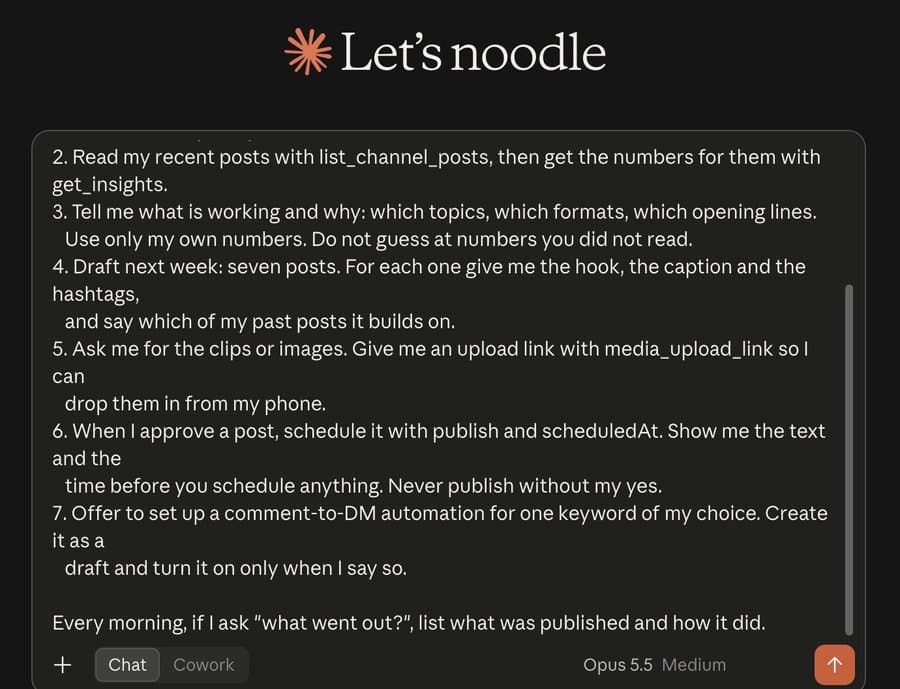
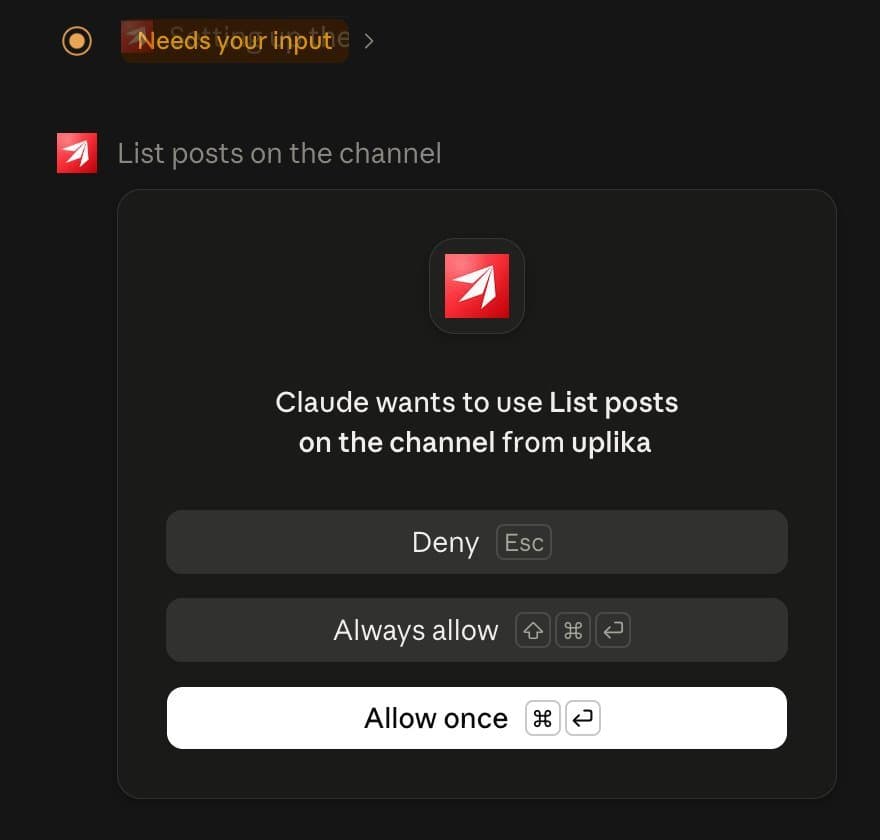
Claude asks the first time it uses each tool
Claude asks once for each tool. Allow once is enough, and setting the read-only tools to Always allow saves clicks later.
Claude checks the account, reads your recent posts and their numbers, then tells you what worked and drafts next week. When it needs photos or clips it gives you an upload link, which you can open on your phone to drop the files in.
Say yes and it's scheduled
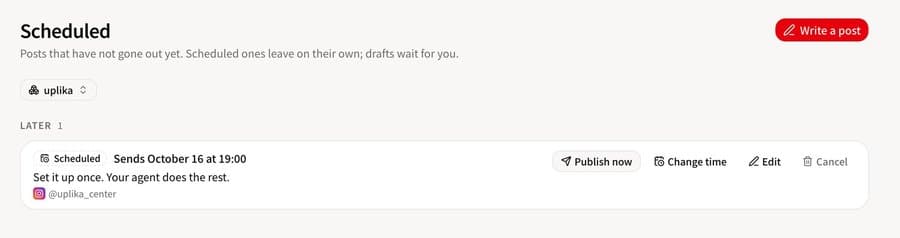
For every post, Claude shows the caption and the time first and schedules only after your yes. uplika's server holds the post and sends it at that time, so your computer can be off.
On the dashboard's Scheduled screen you can change the time, edit the post or cancel it.
What if it doesn't work?
Claude answers reconsent_required.
The Instagram account was connected without message permissions. Reconnect it on uplika's Connections screen and keep every permission on.
It says no Facebook Page has an Instagram professional account linked.
You chose to connect through Facebook, but none of the Pages you manage is linked to a professional account. Link one and connect again, or connect with Instagram instead.
Instagram refuses a post.
Instagram has no text-only posts. Every post needs a photo or a video.
The uplika tools are missing in a new chat.
Open the tools menu in the message box and switch uplika on. If you have more than one workspace, name it in your first message.
I get some other error.
Ask Claude to call get_help with the error, or read the help page.
Where to go next
Frequently asked
Will Claude post without my permission?
No. This prompt has Claude show the caption and the time and wait for your yes before every post it schedules. Claude also asks separately the first time it uses an uplika tool.
Does it work in Claude on my phone?
You add the connector once from a browser on a computer. After that, ask from anywhere you use the same Claude account.
Can I post to channels other than Instagram?
Yes. Any channel you connect to uplika goes through the same connector. What each channel can do, and its limits, are in that channel's docs.
Try it on your own accounts
Connect a channel, add uplika to the agent you already use, and ask it to post. No card to start.
Sign up